PostSnag Now Works Inside Claude and ChatGPT
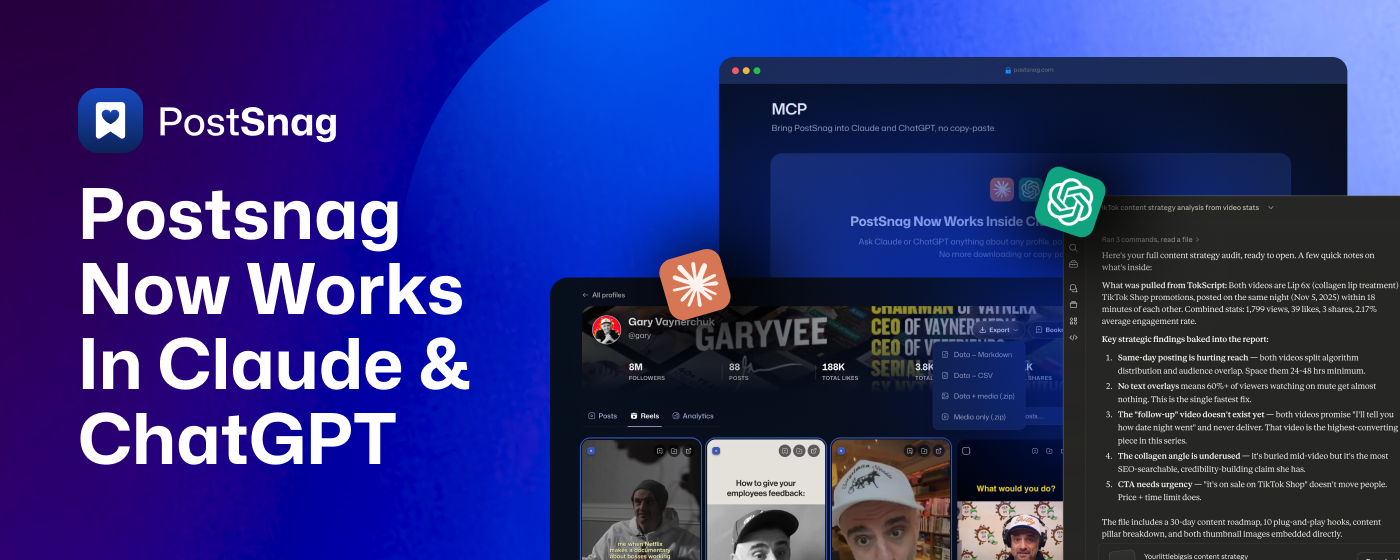
PostSnag now works inside Claude and ChatGPT. This is the one we have been building toward since we launched, and it changes what your captures are actually for.
Open Claude or ChatGPT, ask a question about any creator, post, facebook group you have captured, and PostSnag answers out of your own library. No exporting, no downloading, no copy and paste. Everything you have ever snagged is there in the chat, ready to read, rank, compare, and turn into content.
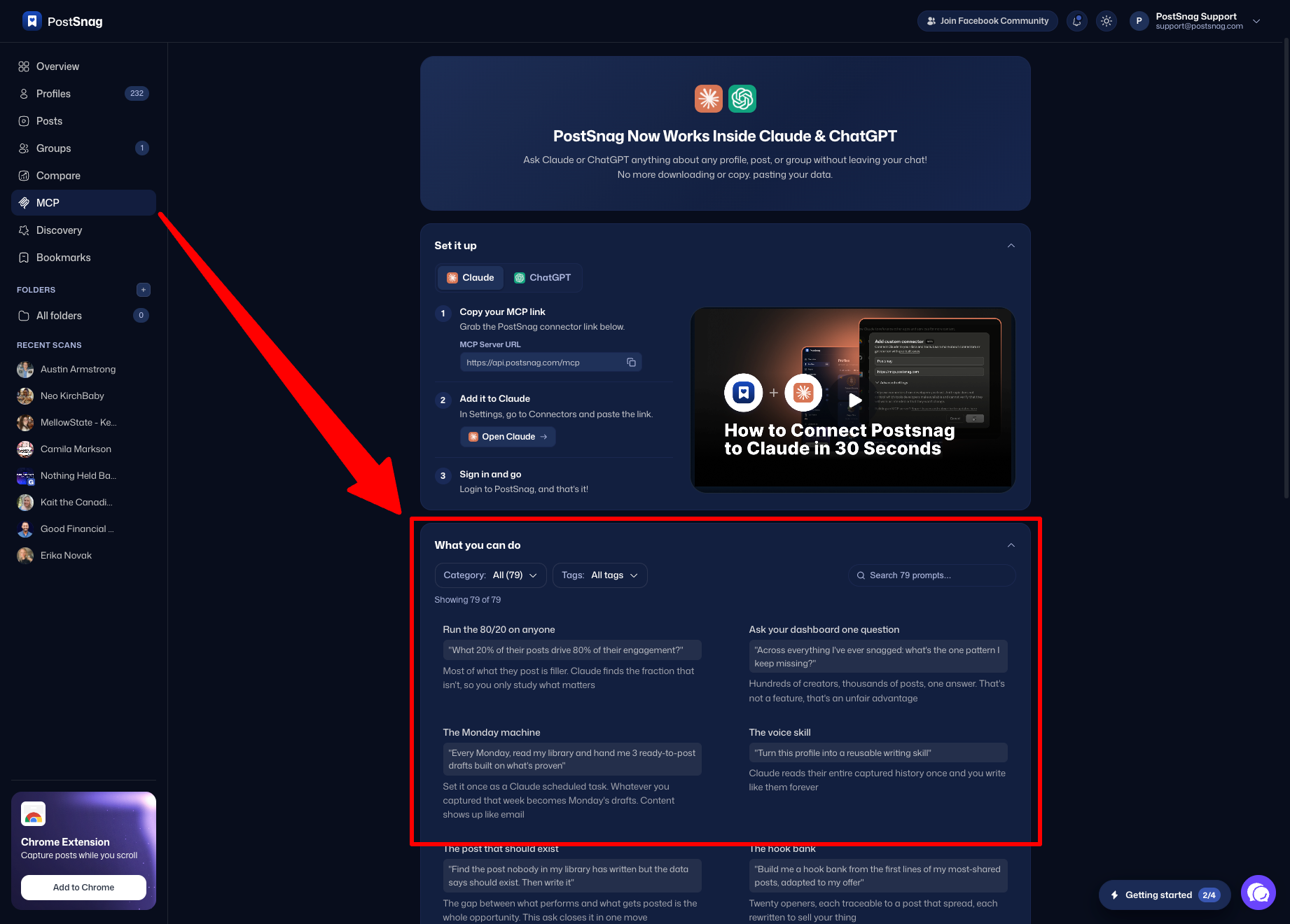
You will find it in your dashboard under MCP in the left sidebar. Here is everything in it, starting with how to switch it on. Each update below has a spot for a short walkthrough video and a caption, so you can see exactly how it works.
Connecting MCP
Connecting PostSnag MCP to Claude and ChatGPT is quick and easy. You do it once, and after that every chat you start already has your library in it.
Claude - Add PostSnag MCP
Copy your MCP link. Grab the connector link on the MCP page:
https://api.postsnag.com/mcpAdd it to Claude. In Settings, go to Connectors and paste the link.
Sign in and go. Log in to PostSnag, and that is it.
Important Note: PostSnag MCP also works in Claude Cowork and Claude Code as well!
ChatGPT - Add PostSnag MCP
Open Connectors in ChatGPT. In Settings, go to Connectors, then Advanced.
Turn on Developer mode. One toggle.
Add a new Plugin. Name it PostSnag.
Paste your MCP link. Drop the same connector link into the connection field:
https://api.postsnag.com/mcpSubmit and approve. Leave Authentication on OAuth, submit, then approve the PostSnag screen ChatGPT opens.
Important Note: PostSnag MCP also works in Codex as well!
What PostSnag Can Do
There are 12 things PostSnag can do for you inside Claude and ChatGPT, and you can mix and match them in a single question. You never have to name them. Just ask for what you want and PostSnag picks the right one.
What You Can Ask For
The hard part of putting your data next to an AI is not the connection, it is knowing what to ask. So we wrote the questions for you, here’s a few examples below:
New: 79 prompts, ready to paste
We wrote a library of 79 prompts, each one a real question worth asking your own data. Every card gives you a plain-language name and the exact prompt to paste. Four to start with:
The Monday machine:
"Every Monday, read my library and hand me 3 ready-to-post drafts built on what's proven." Whatever you captured that week becomes Monday's drafts.The voice skill:
"Turn this profile into a reusable writing skill." Claude reads their entire captured history once and you write like them forever.The post that should exist:
"Find the post nobody in my library has written but the data says should exist. Then write it." The gap between what performs and what gets posted is the whole opportunity.Pain Bank:
"Extract every complaint and struggle posted in this group into a copy bank." Sales pages are built out of customer language. Here is a market writing yours for free.
The other 75 are waiting for you. Open the MCP tab in your dashboard, scroll down to What you can do, and filter by category or tag or just search it. Hit copy on any prompt and paste it straight into your chat.
A few more things
The smaller details that make it worth living in.
PostSnag MCP is included with Pro and Lifetime. We said the MCP would come with your plan, and it does. Nothing extra to buy, nothing extra to turn on.
Everything traces back to a real post. These are not generic AI suggestions. Every hook, every draft, and every pattern comes out of posts you captured yourself, so you can always go back and see the receipt.
Your exports still work exactly as they did. The connector is an addition, not a replacement. Markdown, CSV, media, and the full zip are all still there for when you want a file in your hands within the PostSnag dashboard.
One link for both. The same link works for Claude and for ChatGPT, so there is nothing separate to manage if you use both.
This is just the start
Open app.postsnag.com/mcp
Copy your link
Connect it to whichever one you already have open.
Then ask it the question you have been meaning to answer about your niche. It has had the data the whole time. Now it can read it.